
Overhead shot of a latte with leaf latte art on a walnut café table, croissant beside it, soft window light, menu-ready food photography
AI STUDIO FOR SMALL BUSINESS
Turn a phone photo of your product or a one-line idea into ads, social posts, flyers and short videos — no agency, no design skills.
New accounts get 20 free credits — enough for two GPT Image 2.6 images.
MADE FOR REAL SHOPS
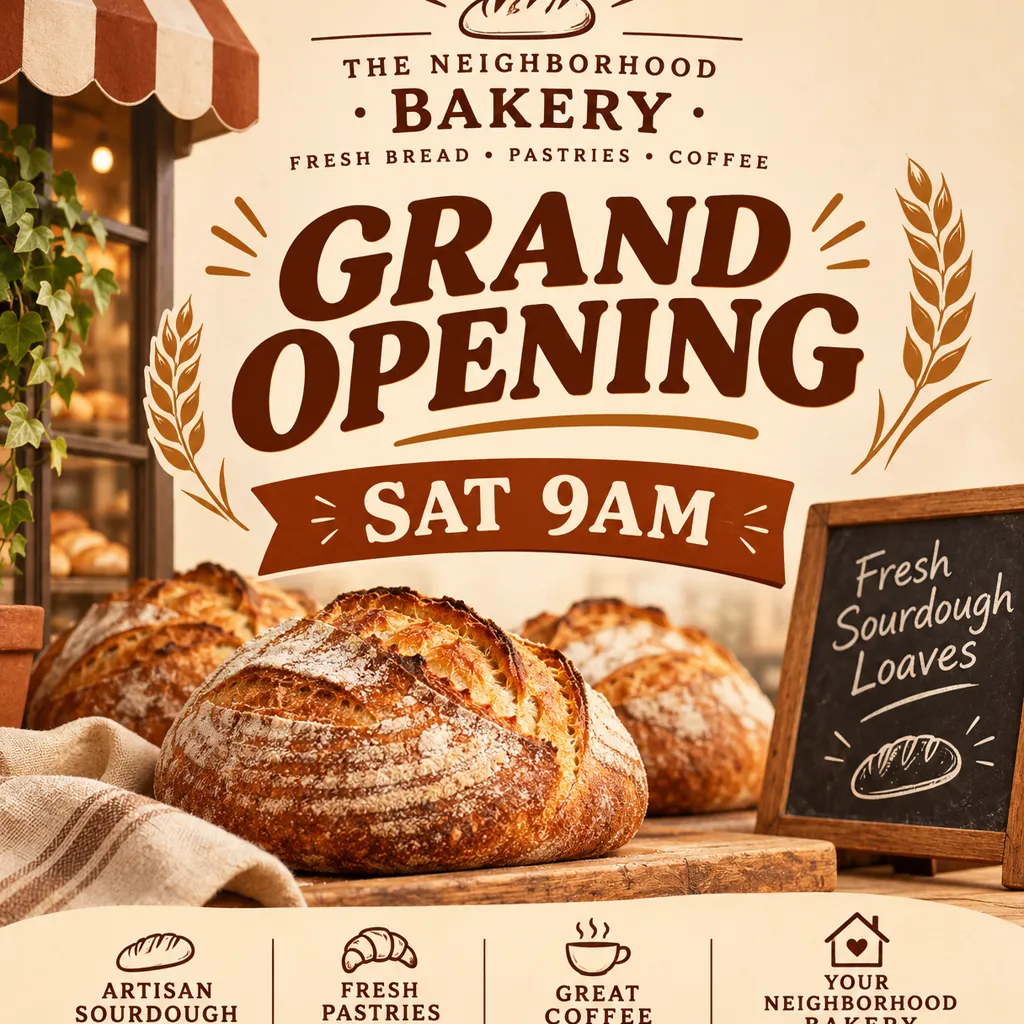
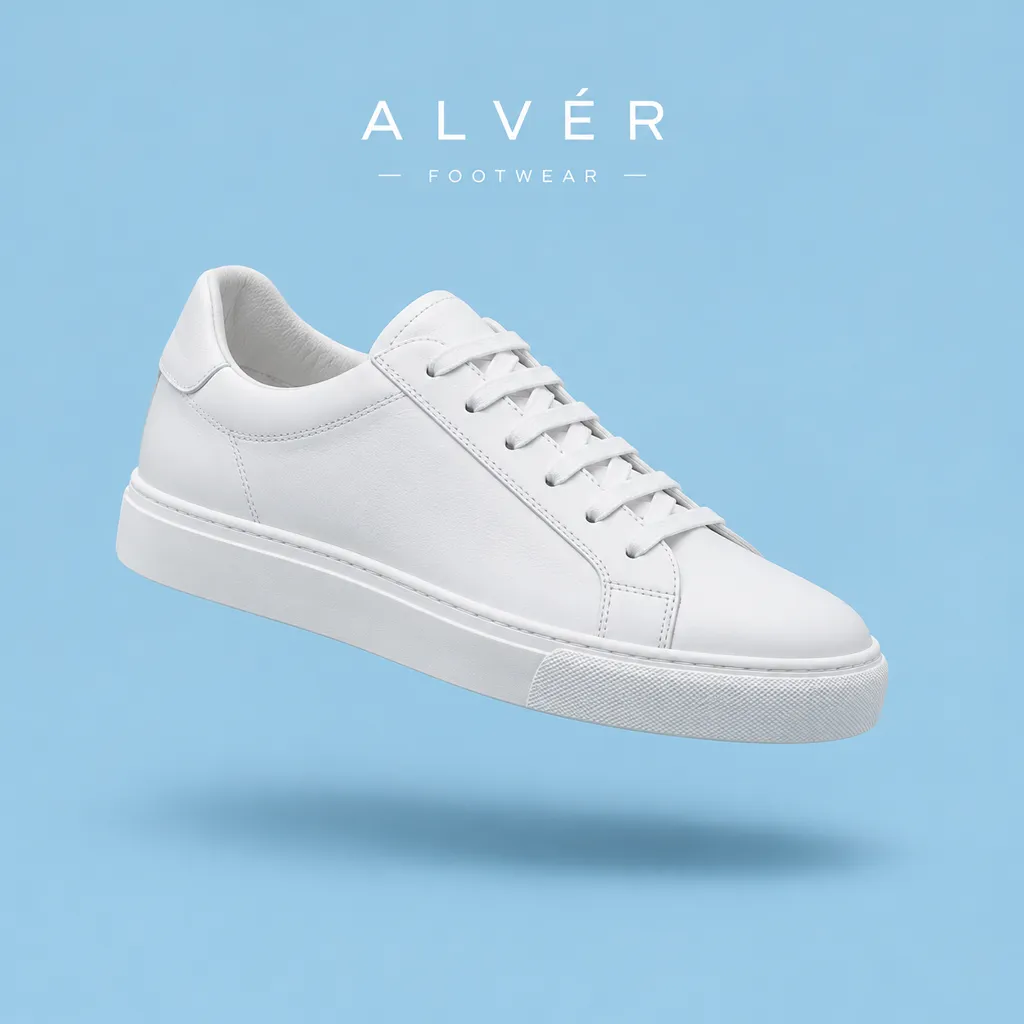
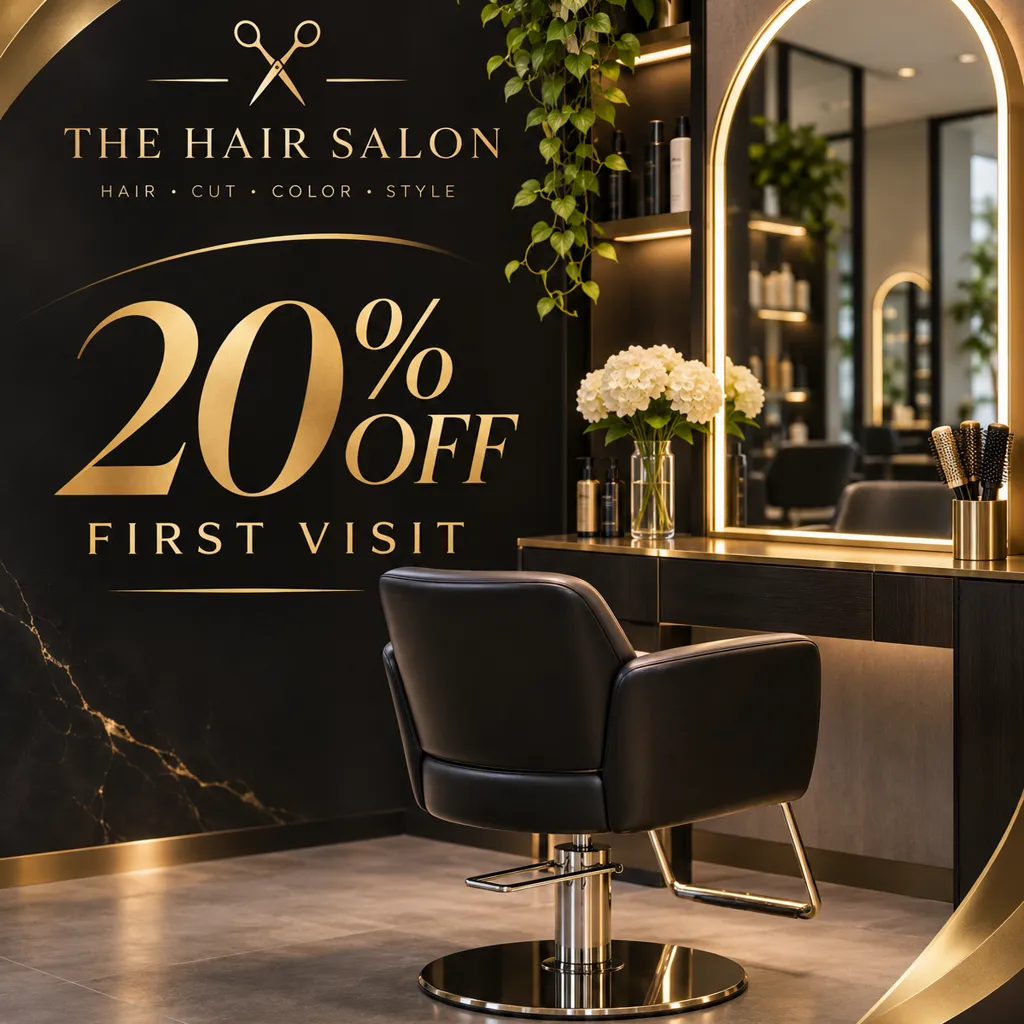
Every example starts from a short prompt. Copy one, swap in your product, and post it today.


WHY OPENWORKS PRO
Product photos, ad creatives, social posts, flyers and short video ads share one login and one credit balance. Image models like GPT Image 2.6 and Nano Banana 2.1 sit next to video models like Seedance and Kling.
Upload a phone shot of your product and turn it into a clean studio image, a new background or a lifestyle scene, then animate it into a short video.
Remove backgrounds, upscale, remove watermarks, translate text in photos and upscale video without opening another app.
Run one prompt on up to four image models side by side and keep the result that fits your brand.
HOW IT WORKS
Type what you need or drop in a product photo.
Choose an image or video model and the shape that fits your channel.
Save the file and post it to your store, ads or social accounts.
WHO IT'S FOR
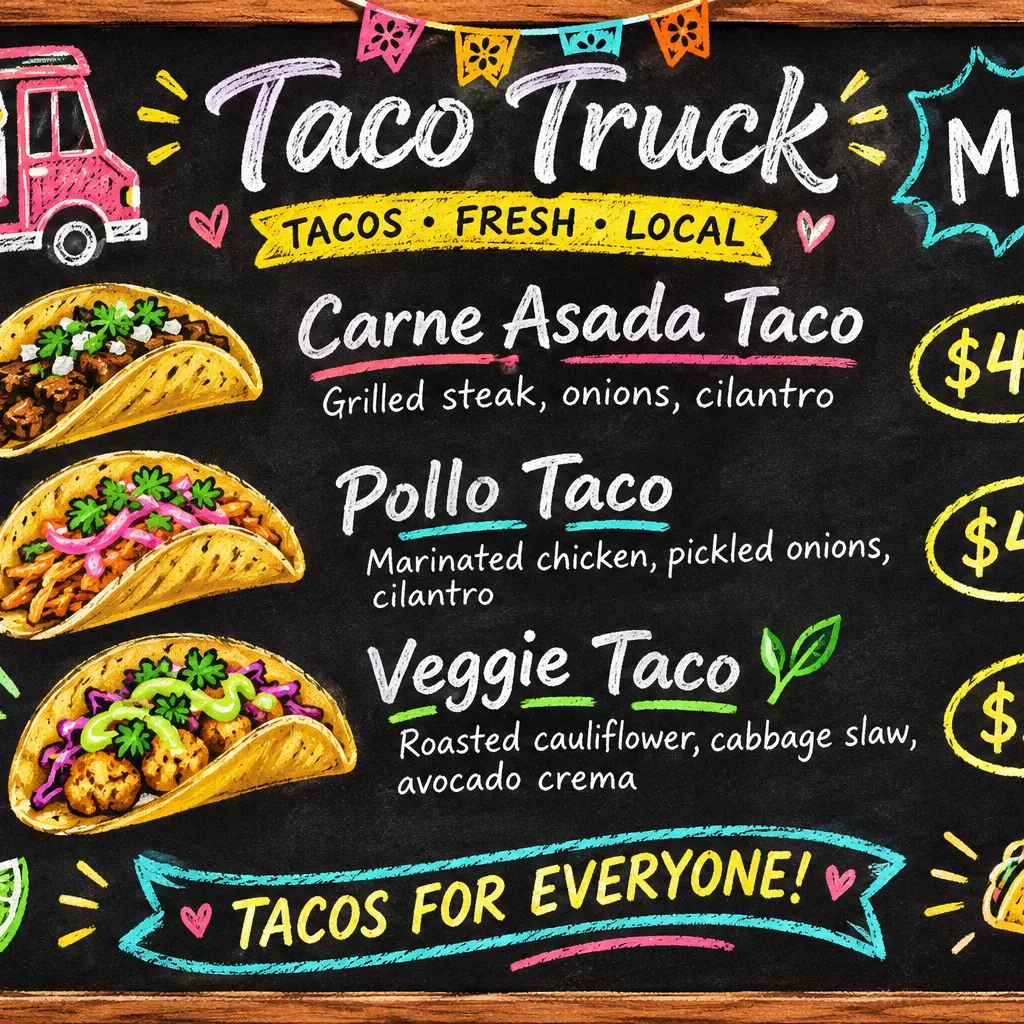
Dish photos, menu boards and daily-special posts.
Clean product shots and listing images for every SKU.
Promo posters and before-and-after style visuals.
Flyers, door hangers and social posts for your area.
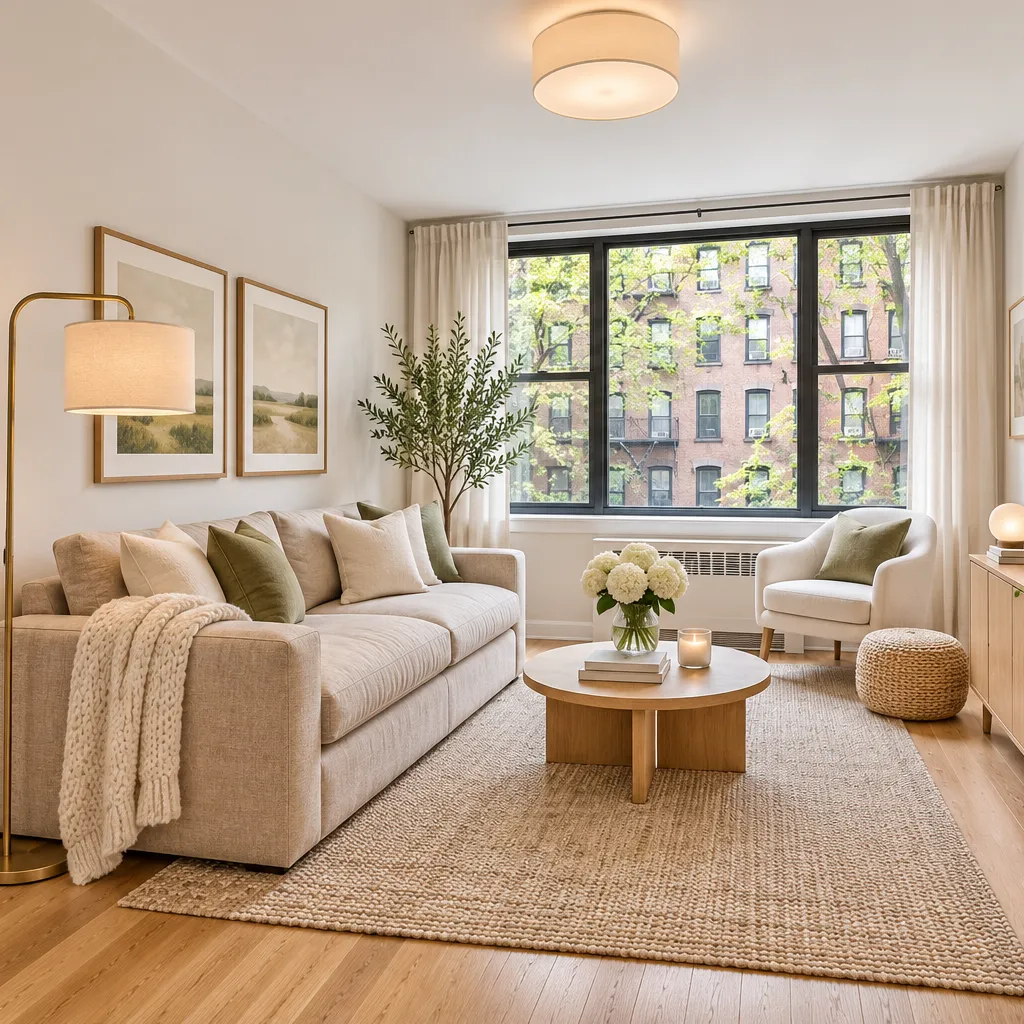
Lifestyle photos that show your product in use.
Brighter listing visuals and short walkthrough clips.
FAQ
No. You describe what you want in plain words or upload a photo, and the studio returns finished images or videos. You can refine the result with a follow-up prompt.
Yes. Upload a product photo to change the background, place it in a lifestyle scene, clean it up for a store listing, or turn it into a short video.
Image models include GPT Image 2.6 and Nano Banana 2.1, and video models include Seedance and Kling, along with others. The full, current list is in the studio's model picker.
Each generation uses credits, and the cost is shown before you click Generate. New accounts get free starter credits, and you can buy more on the pricing page.
Yes. Pick a video model, upload your image, describe the motion you want, and download a short clip sized for social feeds.
Yes. You can create API keys in the dashboard and follow the docs to call the same models from your own website or app.
PRICING
One credit balance covers every image and video model. Start free, upgrade when the studio pays for itself.
See full pricing