Image studio
AI Image Tools for Small Business
Make product photos, ad creatives, social posts and flyers in one workspace. Start from a prompt or the photo you already have on your phone.
Open the image studioPick the asset you need
Each tool opens the workflow built for that job, with upload, generation, preview, and download controls.

Background Remover
Cut out products, portraits, and graphics and export a clean transparent result for listings and flyers.
Open remover
Image to Image AI
Use a product photo and a prompt to create a new background, a lifestyle scene, or a styled variation.
Transform an image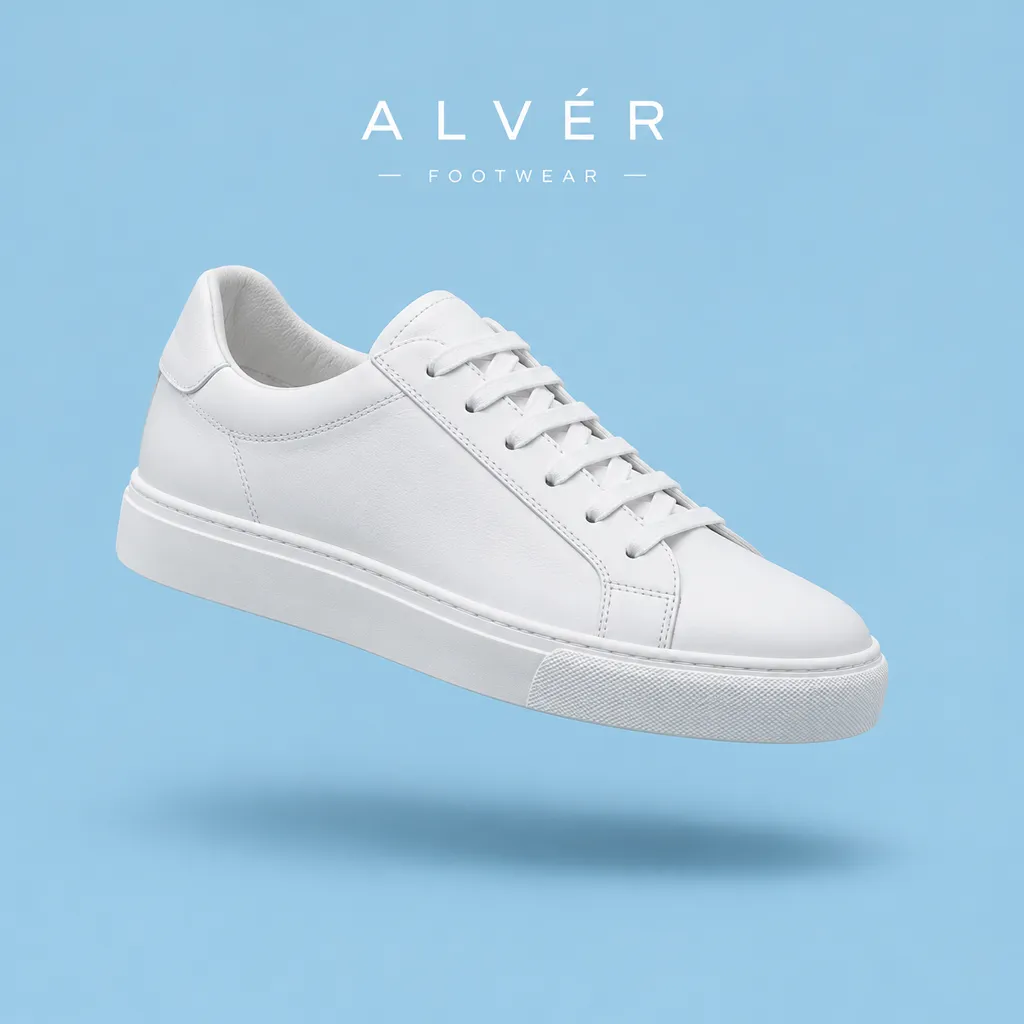
AI Image Editor
Mask an area, describe the change, and regenerate only the part of the image that needs work.
Edit an image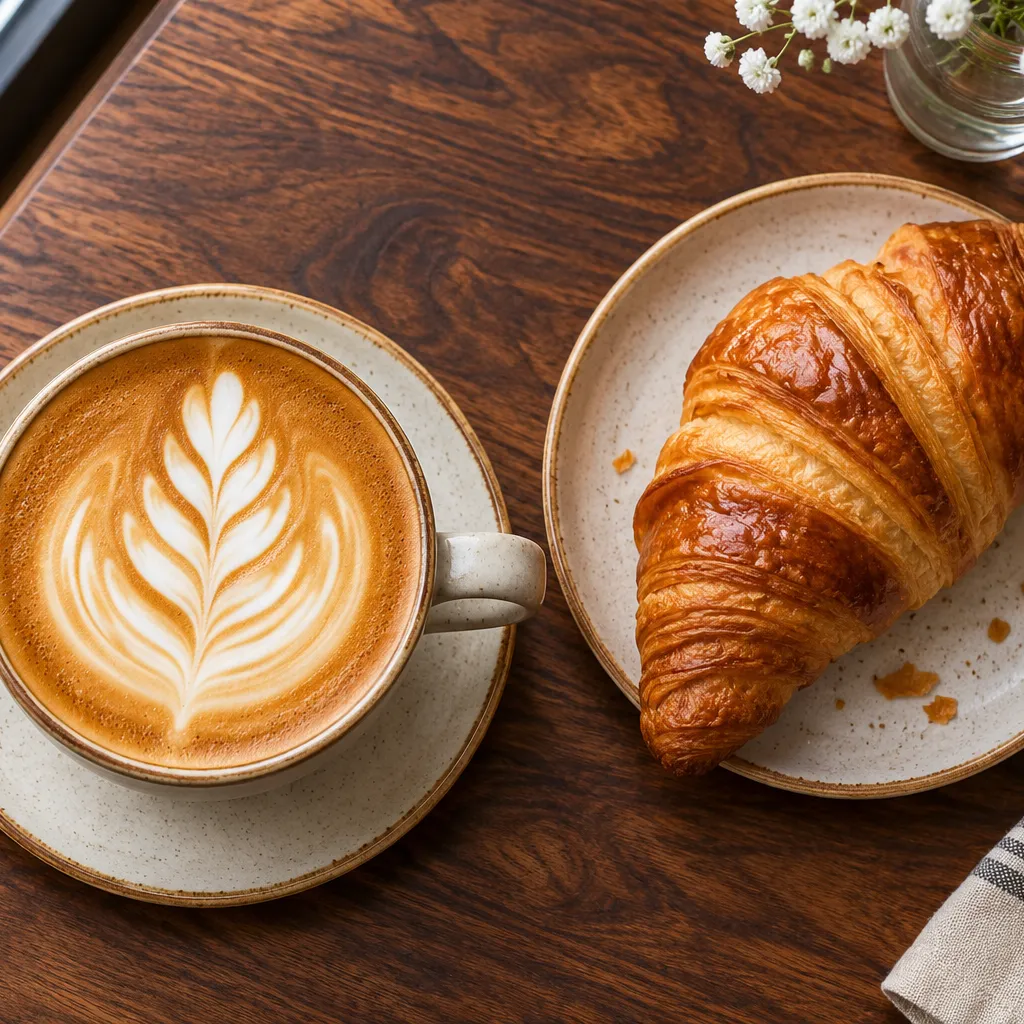
Text to Image
Describe the ad, post or flyer you need and generate it with the multi-model image studio.
Start generatingCompare models before you spend
Start with the asset you need, then run the same prompt on up to four image models side by side.
AI image tools FAQ
Which AI image tool should I use?
Use Background Remover for transparent cutouts, Image to Image AI for new scenes and variations, AI Image Editor for local changes, and Text to Image for a new ad or post.
Do these tools run in the browser?
Yes. The upload, settings, preview, and download workflow is available in a modern browser without installing anything.
Do image tools use credits?
Credit use depends on the selected operation and model. The workspace shows the current cost before a generation starts.
Your next product photo is one prompt away
Open a focused tool now, then move between generation and editing without rebuilding your workflow.